Elirox Help Center
Deposit & withdraw
To manage your trading funds, you’ll need to access your trading broker account directly. Elirox does not handle deposits and withdrawals itself.
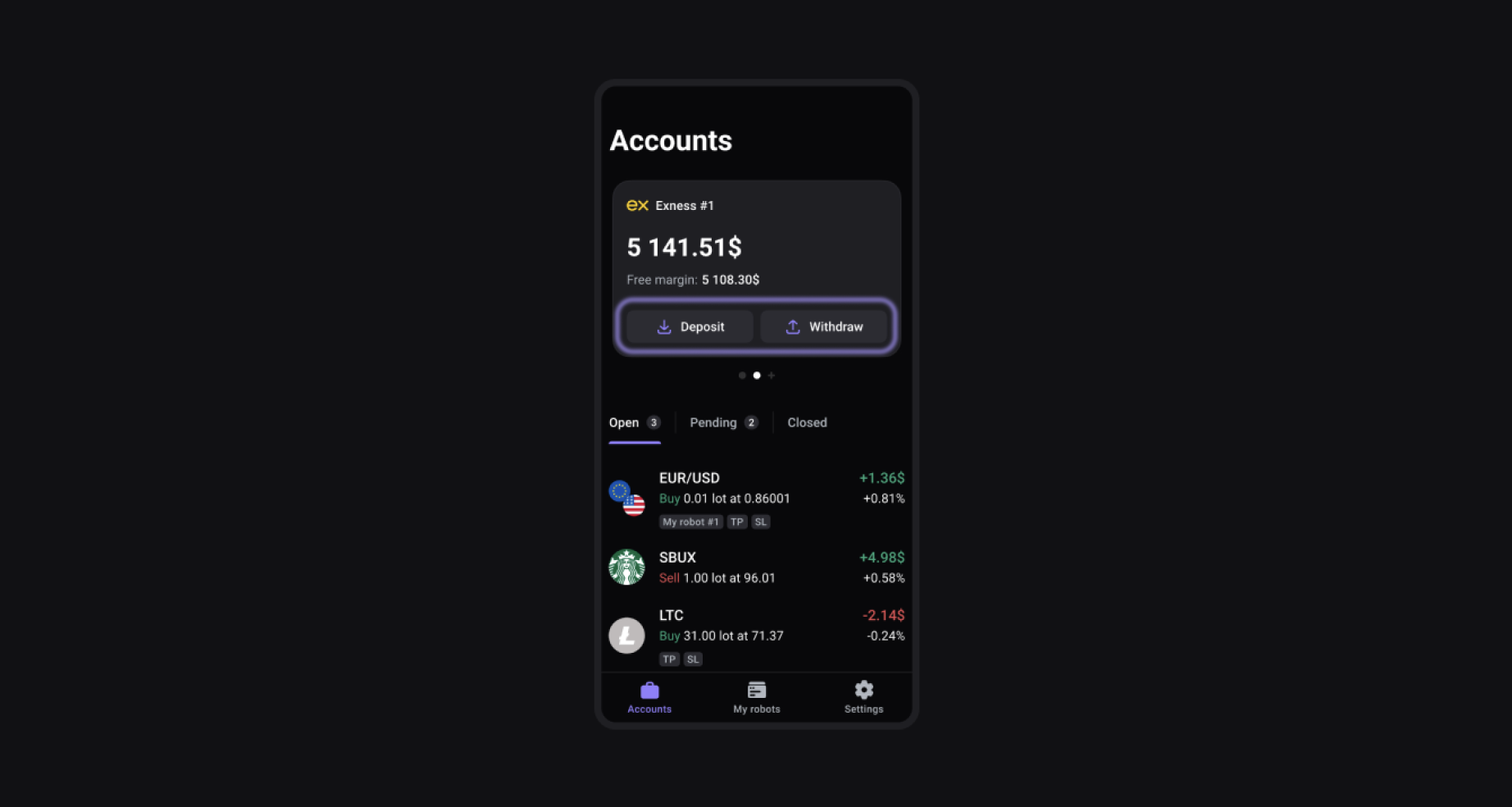
While you may see Deposit and Withdraw buttons inside the Elirox app, clicking them will simply redirect you to your broker’s website. There, you can complete your trading deposit or withdrawal securely through the broker’s platform.
How to access broker payments from Elirox
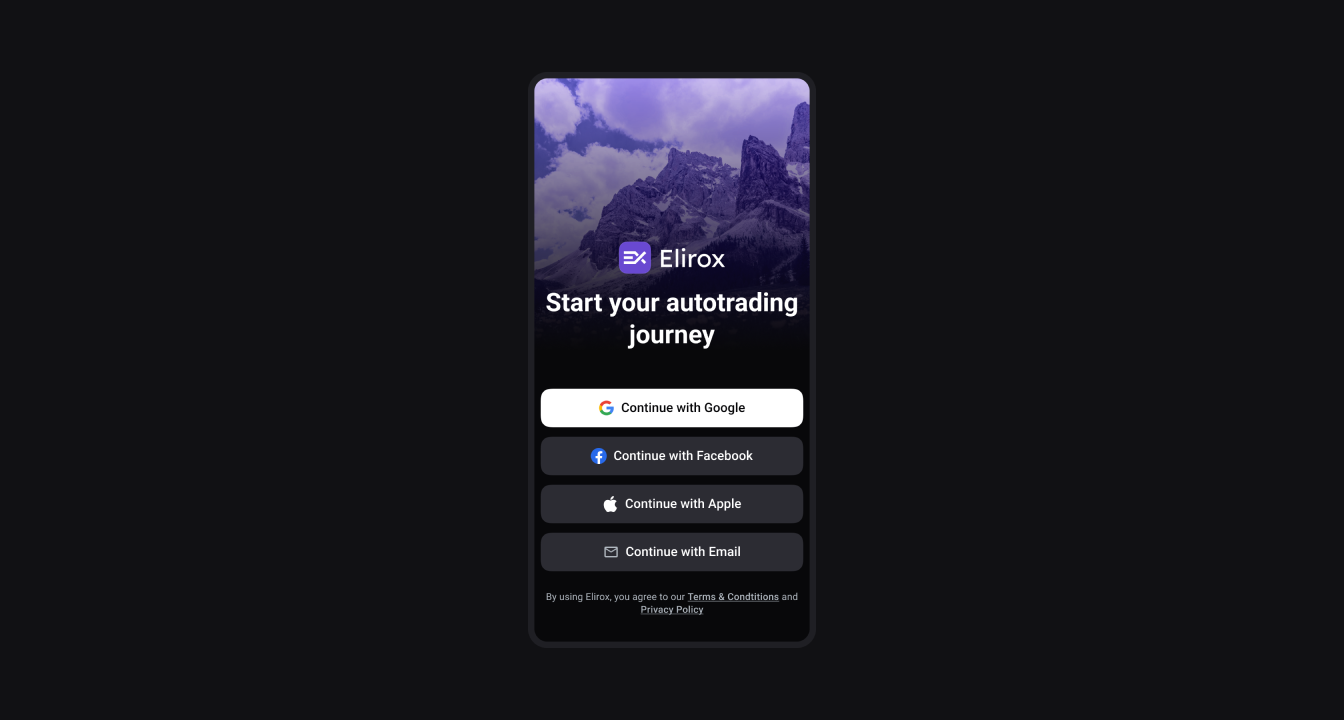
Step 1: Log in to your Elirox account
Access the app by entering your credentials or use one of the automatic login options, such as Apple ID or Google account, for a quicker sign-in.
Step 2: Navigate to the Accounts page
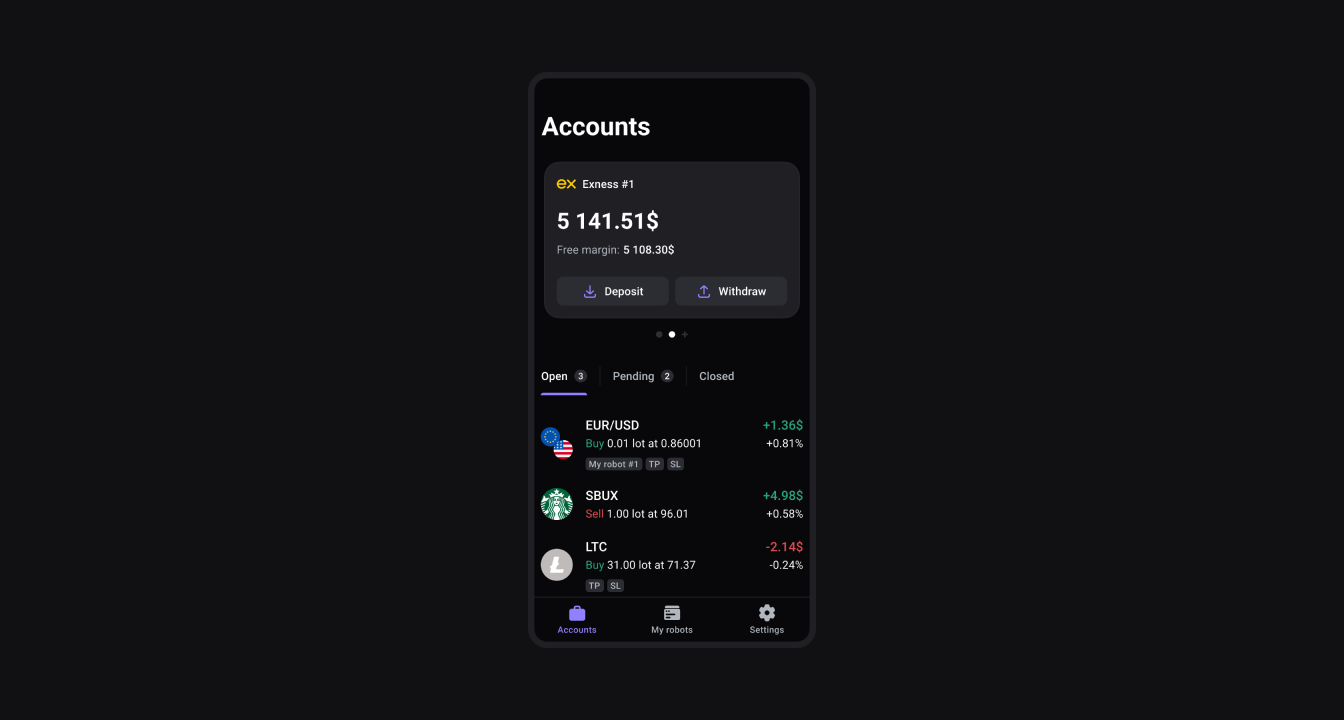
Once logged in, go to the Accounts page. Choose a trading account you want to proceed with.
Step 3: Press the Withdrawal or Deposit button
Press the Withdrawal or Deposit button. You will be redirected to your broker’s webpage, where you will be able to proceed with both.
How to withdraw: Exness example
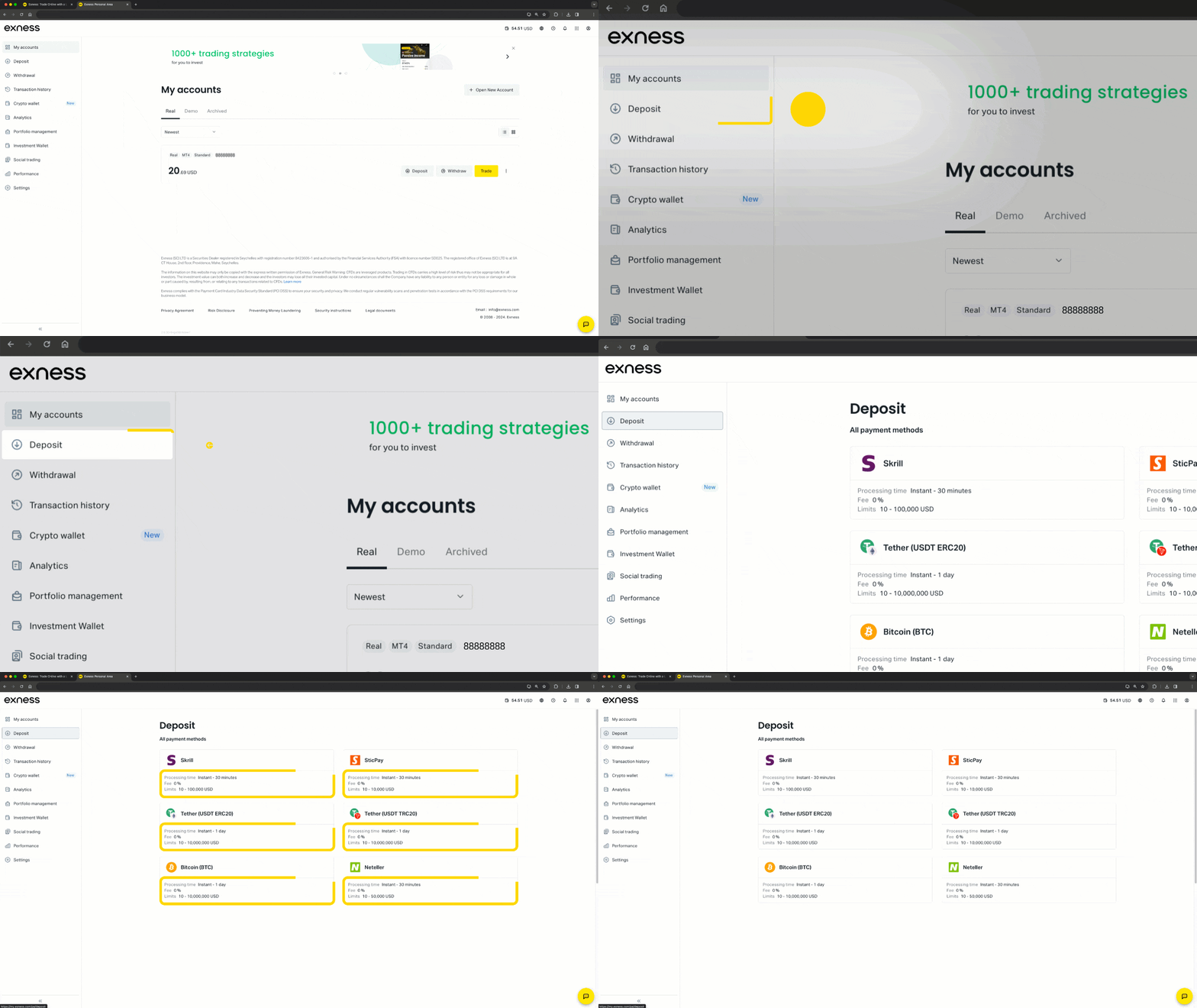
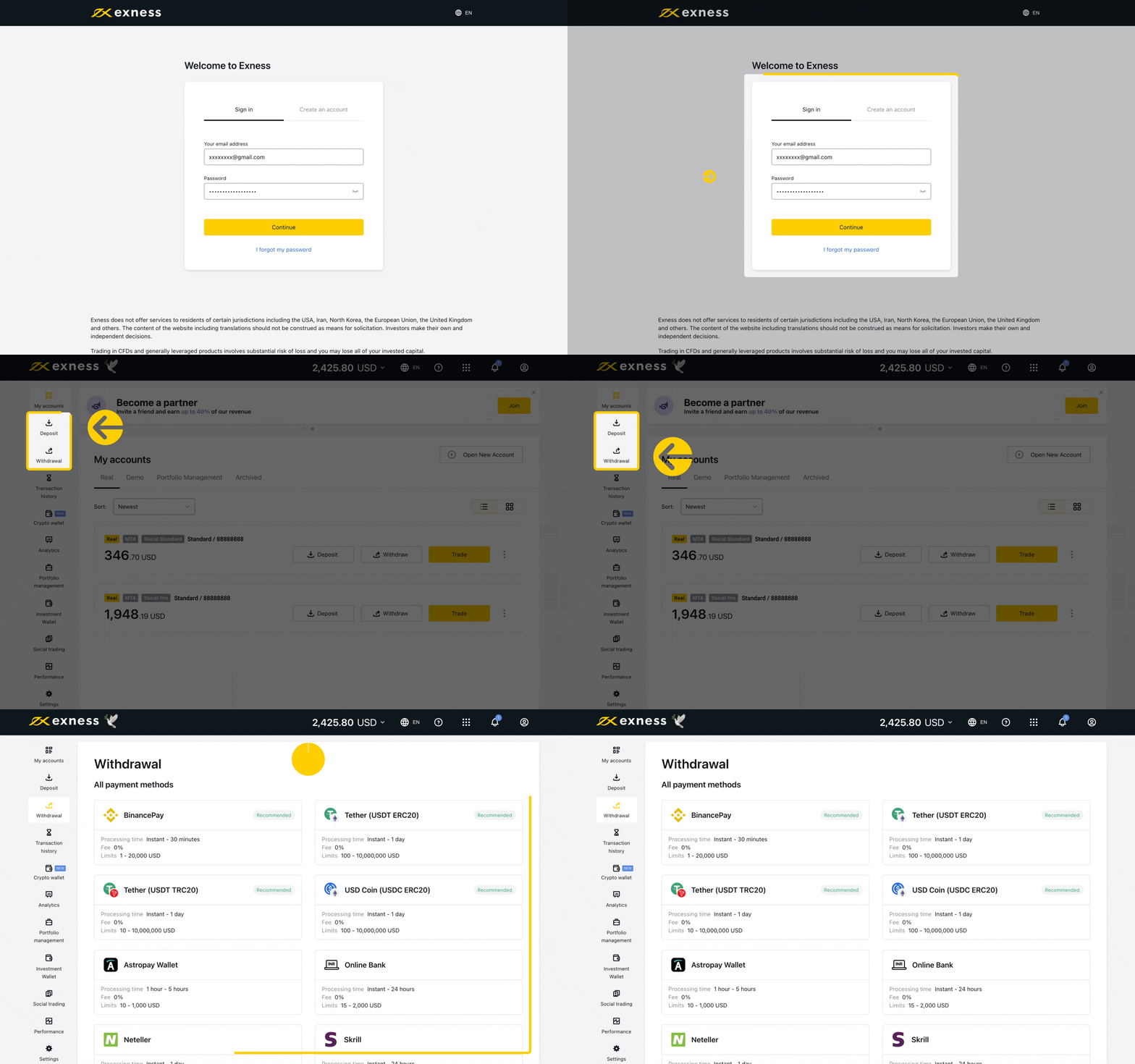
Once you’re on your broker’s webpage, you can proceed with the withdrawal. We’ll show you how to do this using Exness as an example. To withdraw on Exness, first log in to your Personal Area, then follow these steps:
- Access your Exness Personal Area.
- Go to the Withdrawal tab on the left.
- Choose your preferred withdrawal method and follow the steps to complete the process.
How to deposit: Exness example
- Access your Exness Personal Area.
- Click on the Deposit button.
- Choose your preferred deposit method.
- Enter the deposit amount and follow the on-screen instructions to complete the process.