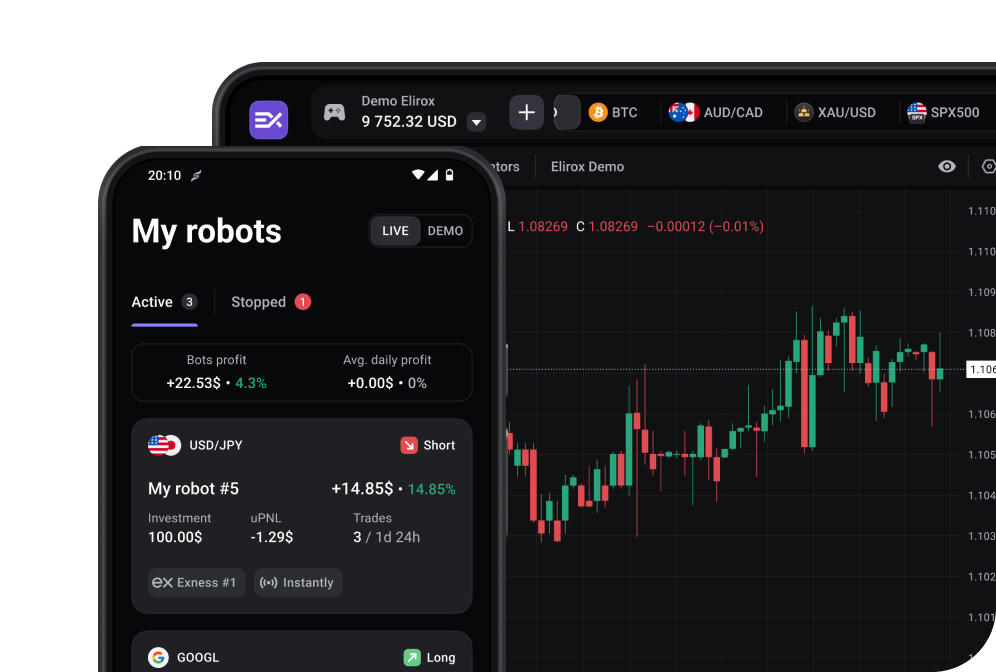
Vantage is one of the supported brokers in Elirox, meaning you can run automated trading strategies directly on your Vantage trading account. Here’s how to get everything set up.
Open the Elirox app and navigate to the Accounts page. Find the Add new account box at the top and press the Choose a broker button.

From the list of available brokers, choose Vantage.

Don’t have a Vantage account yet? You can register one directly inside the Elirox app — and you don’t need a paid plan to do it. Registration takes two quick steps:
The account is only considered created once both steps are completed. When choosing your country code, you can search either by country name or by dial code.
Already have a Vantage account? Select I already have an account on the login screen and enter the email associated with your Vantage profile. Please note that connecting a pre-existing Vantage account to Elirox requires an active Pro plan.

You’ll land on the Connect your trading account screen. Fill in the following fields:
Hit Connect when you’re ready.

After submitting, Elirox will redirect you to the Accounts page. The broker response can take anywhere from 1 to 5 minutes, so just sit tight.

Choose a subscription plan or make a deposit to activate your account and fully utilize the app’s automated trading features.

💡 Please note that deposit and withdrawal management is handled directly through your broker’s website and is separate from the account connection process. Find out more in the deposit and withdrawal guide.
If you need any help with your Vantage broker account connection, feel free to contact our support team.